If your OBD2 scanner shows no codes but the check engine light is on, check four things in order: whether your scanner reads every code type, whether a fault is logged only as “pending,” whether a loose or corroded connection is the trigger, and whether the gas cap is loose. Check all four before assuming the scanner is wrong.
- A “no codes found” result does not mean nothing is wrong — it often means the fault is still pending, or your scanner cannot display every code type the car’s computer can store.
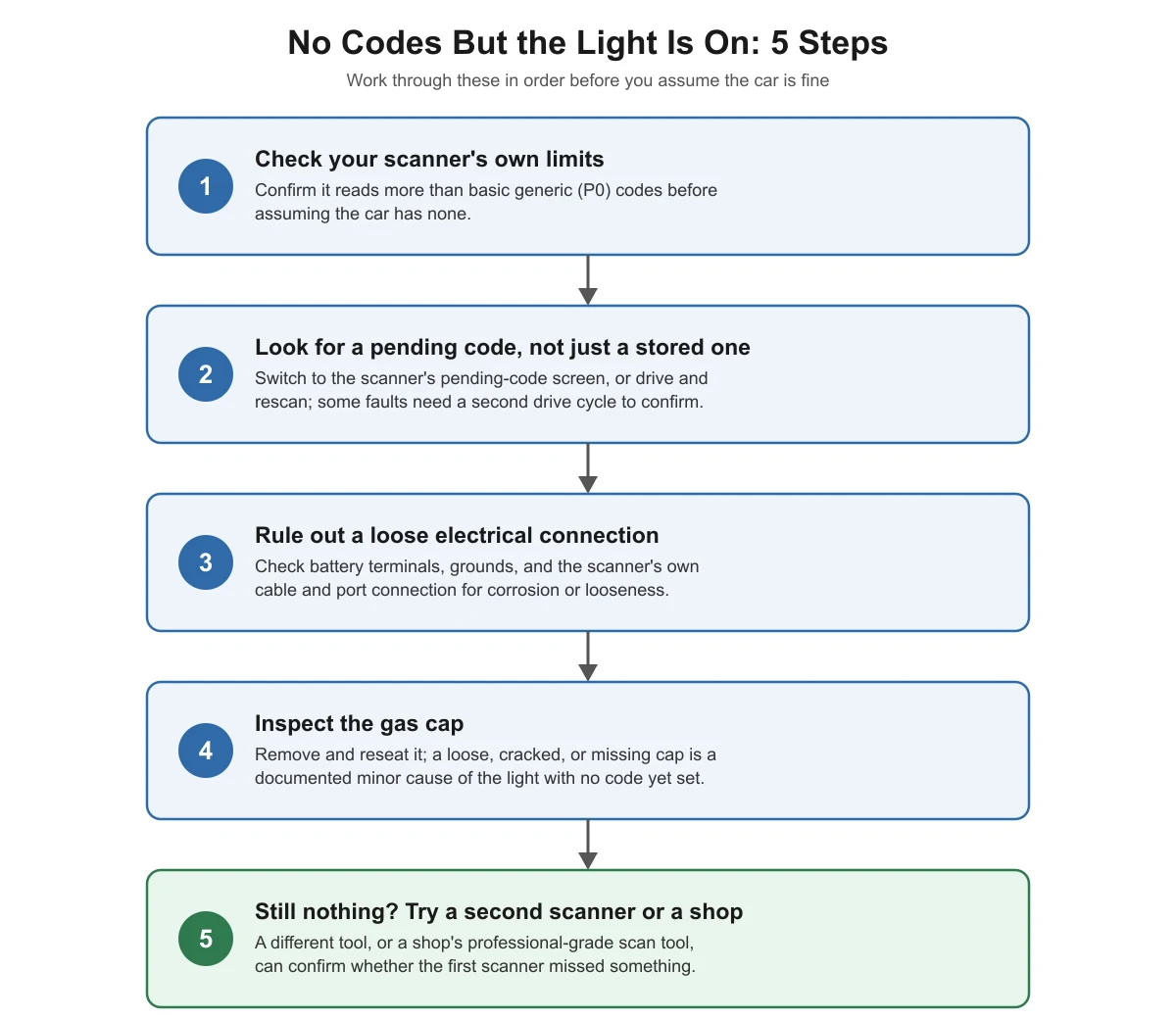
- Work through the causes in order: scanner limits, then pending codes, then loose or corroded connections, then the gas cap, then a second scanner or shop scan.
- Under U.S. vehicle emissions regulations, many faults are logged as a “pending” code first and only become a confirmed, light-triggering code after the same problem shows up on a second drive.
- A loose, cracked, or missing gas cap is a documented minor cause of the check engine light and will not always set a code right away.
- If you’ve checked all four and still see nothing, try a second scanner or a shop’s scan tool before assuming the light itself is wrong.
Could Your Scanner Be the Limiting Factor?
Not every scan tool reads every code a car’s computer can store. Regulations require manufacturers to make a basic set of emissions-related codes (the generic “P0” codes) readable by any compliant scan tool, so that independent shops and owners can access them without a dealer tool. Manufacturers are free to add proprietary codes on top of that generic set, covering things like body, chassis, and network modules.
As a general rule of thumb, cheaper or older code readers are often built around that minimum generic set and may not display manufacturer-specific codes or faults stored in non-powertrain modules. If your scanner is a basic reader, that alone can explain a “no codes” result while the light stays on. Check your scanner’s manual for which code types it supports before you rule out anything else. If you’re still new to using a scanner at all, our first-time scanner guide covers the basics of reading and saving codes correctly.
Is There a Pending Code the Scanner Hasn’t Shown You?
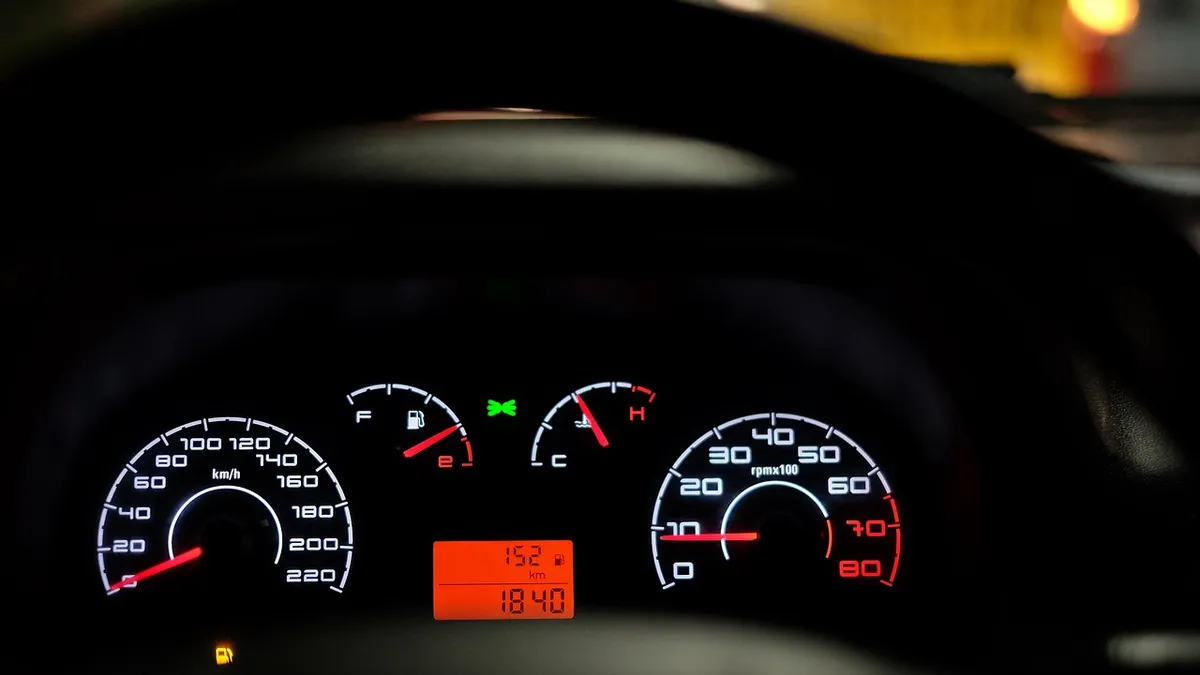
Under U.S. on-board diagnostics requirements, a car’s computer does not always set a confirmed, light-triggering code the first time it detects a problem. It commonly stores a “pending” code first, and only escalates it to a confirmed code — the kind tied to the check engine light staying on — once the same fault is detected again on a later drive. Depending on the system involved, that confirmation can take a full additional drive cycle.
Many basic scanners show stored (confirmed) codes by default and require you to select a separate menu, often labeled “pending codes,” to see faults that have not been confirmed yet. If your scanner only showed you the main “read codes” screen, go back and check specifically for pending codes before concluding there is nothing stored at all.
This is also why the same fault can look different from one scan to the next: a code that was pending during your last scan may become confirmed (and finally show up) after you drive the car again. If you want the full difference between pending, confirmed, and permanent code states, see our pending vs. confirmed OBD2 codes guide.
Could a Loose or Corroded Connection Be the Cause?
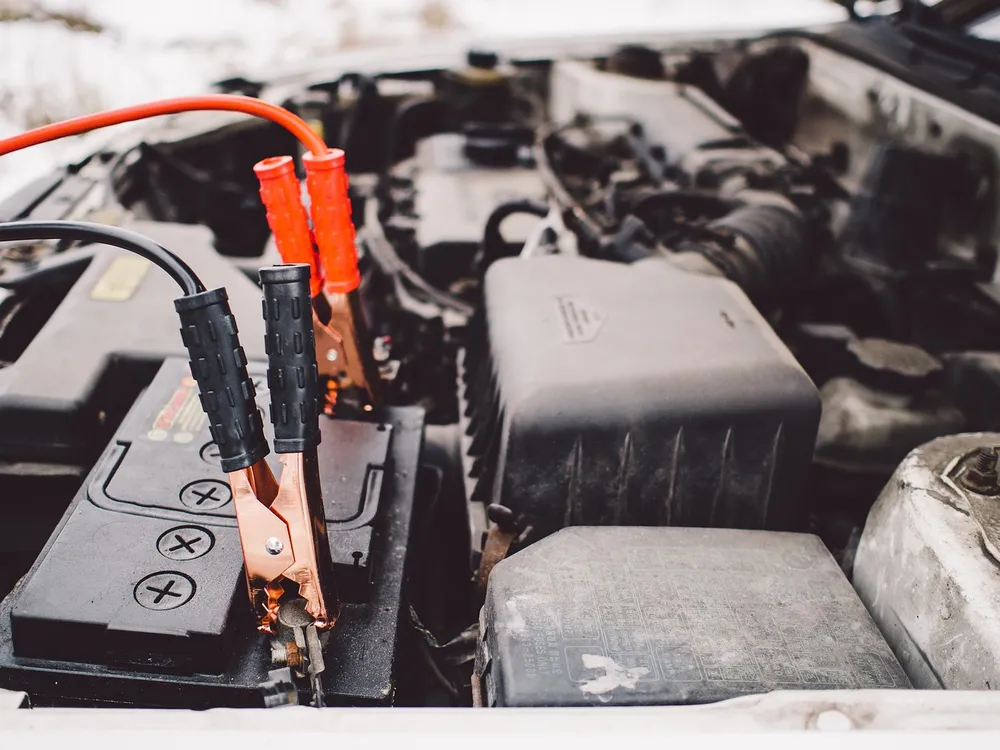
A check engine light can also come from a wiring or connection problem rather than a part failure, and some of these faults are inconsistent enough that they do not reliably set a stored code. Loose battery terminals, a corroded ground strap, or a poor connection at a sensor plug can cause the onboard computer to see momentary voltage drops or signal glitches without the fault repeating consistently enough to confirm a code.
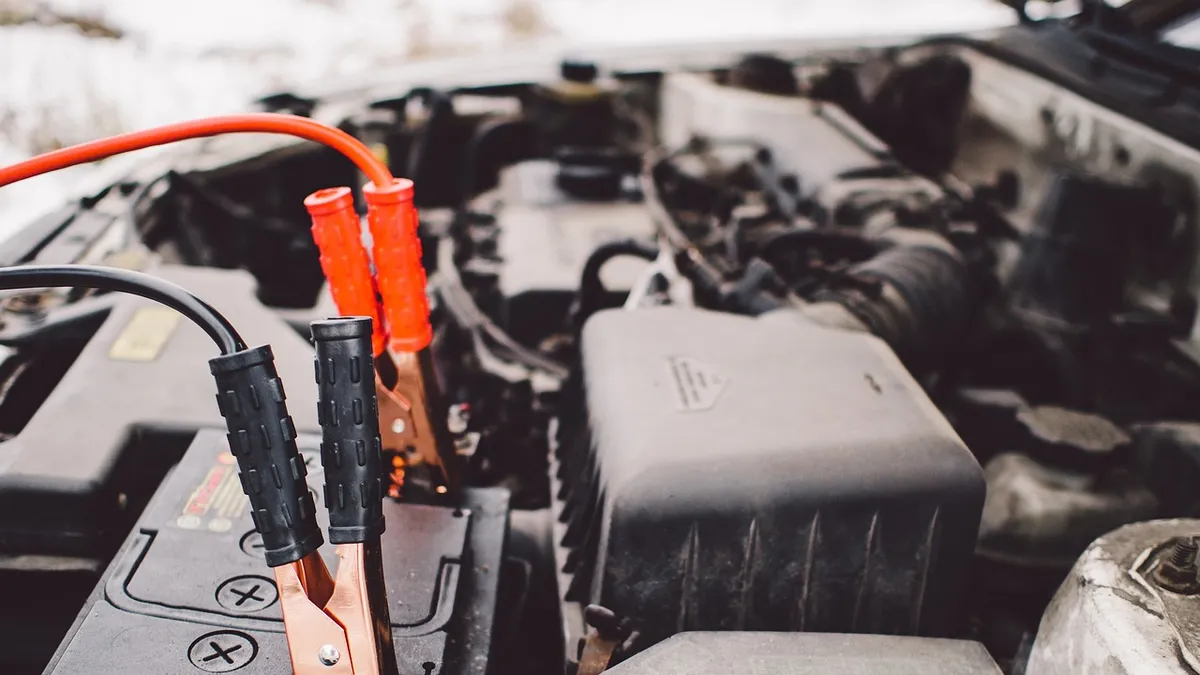
Before assuming the car’s computer is at fault, check the obvious electrical basics: battery terminals tight and free of corrosion, ground straps secure, and the scanner’s own cable and port connection fully seated. A loose OBD2 connector or a corroded pin in the 16-pin port can also cause a scanner to connect but misread or miss codes, which looks identical to “no codes found” from the driver’s seat.
Could a Loose Gas Cap Be Triggering the Light With No Code Set?
A loose, cracked, or missing gas cap is a widely recognized minor cause of the check engine light. Modern fuel systems are sealed and monitored for pressure as part of the evaporative emissions (EVAP) system; when the cap is not sealing properly, vapor escapes and the computer can flag the light. Depending on how far along the detection process is, that can happen before a code has finished confirming, which matches a “light on, no code yet” situation.
Check the gas cap first because it takes under a minute: remove it, inspect the seal and threads for cracks or debris, and reinstall it until it clicks or stops turning. If the light was caused by the cap, as a general rule of thumb it takes a few drive cycles for the computer to confirm the seal is good again and turn the light off on its own; it will not turn off the moment you tighten the cap.
What If a Second Scanner Still Shows Nothing?
If you have checked your scanner’s code-type coverage, specifically looked for pending codes, checked the basic electrical connections, and confirmed the gas cap is seated, and the light is still on with no codes, it is reasonable to question the first scanner rather than the car. Try a second, different scanner if one is available, since a tool-specific glitch or a tool that genuinely cannot read the fault present can produce a false “no codes” result.
If a second scanner also shows nothing, or you do not have access to one, a shop with a professional-grade scan tool can access a wider range of manufacturer-specific codes and live data than most consumer tools. This is also the point to stop troubleshooting yourself if the light is flashing rather than staying on steady, since a flashing light is commonly treated as a sign of a more urgent, active problem such as an engine misfire.
No-Codes Checklist: What to Check, in Order
Here is the same order of checks laid out as a flow, with the reasoning for each step. The table underneath shows the identical five steps.
| Step | What to check | Why it matters |
|---|---|---|
| 1. Scanner’s own limits | Confirm your scanner reads more than basic generic (P0) codes. | A basic reader can miss manufacturer-specific or non-powertrain codes entirely. |
| 2. Pending code screen | Switch to the scanner’s pending-code menu, or drive and rescan. | Some faults are logged as pending first and need a second drive cycle to confirm. |
| 3. Electrical connections | Check battery terminals, grounds, and the scanner’s own cable and port. | A loose or corroded connection can trigger the light without reliably setting a code. |
| 4. Gas cap | Remove, inspect, and reseat the gas cap. | A loose or cracked cap is a documented minor cause of the light. |
| 5. Second scanner or shop | Try a different scanner, or a shop’s professional-grade tool. | Rules out a tool-specific glitch or coverage gap before you assume the car is fine. |
What If the Scanner Shows a Code But the Car Runs Fine?
The opposite situation is just as common: the scanner shows a code, but the car drives normally with no noticeable symptoms. This usually means the fault is real but has not yet affected how the car runs, which is typical of many emissions-related faults (a small EVAP leak or a borderline oxygen sensor reading, for example) that the OBD system is designed to catch before they become noticeable. Write the code down and look it up the same way you would any other code; a car that “feels fine” is not a reason to ignore a confirmed code, since catching these problems early is the entire point of the system.
Frequently Asked Questions
Why does my check engine light stay on if the scanner says there are no codes?
The light is controlled by the car’s own computer, not by the scanner, so the two can disagree. The most common reasons are a pending code the scanner isn’t displaying, a code type your scanner can’t read, or an intermittent electrical issue that hasn’t been confirmed into a stored code yet. Work through the five-step order above before assuming the light itself is malfunctioning.
Can a bad OBD2 port connection cause a scanner to show no codes?
Yes. A loose, dirty, or corroded 16-pin port connection can let a scanner connect well enough to power on but fail to retrieve all stored data, which looks identical to a genuine “no codes” result. Inspect the port for bent pins or debris, and make sure the scanner’s cable is fully seated before trying again.
How long does it take for a pending code to become a confirmed code?
It depends on the specific system and monitor involved, but many faults need the same problem to reappear on a second drive before the computer confirms it and keeps the light on. If you rescan after a normal drive and the pending code has not changed, that is useful information on its own.
Will tightening the gas cap turn the check engine light off right away?
No, not usually. Even when a loose gas cap caused the light, the car’s computer needs to confirm the seal is good again over a few drive cycles before it turns the light off on its own. Clearing the code manually with a scanner will turn the light off immediately, but it can come back if the underlying cause wasn’t the cap.
Should I worry if the check engine light is on but the car drives normally?
Not urgently, as long as the light is on steady rather than flashing. A steady light with no symptoms usually points to an emissions-related fault that hasn’t affected drivability yet, but it’s still worth finding the cause soon rather than ignoring it indefinitely. A flashing light is different and is commonly treated as a sign of a more urgent, active problem.
Sources
- International Council on Clean Transportation, Transport Policy, US: On-Board Diagnostics — checked November 2026
- Cornell Law School, Legal Information Institute, 40 CFR § 86.1806-17, Onboard diagnostics — checked November 2026
- U.S. Department of Energy / U.S. EPA, fueleconomy.gov, Keeping Your Vehicle in Shape — checked November 2026
autoscanguide.com Editorial Team. Last updated: November 12, 2026.